Live TV, the way a good TV box does it.
Bring the subscription you already have. Lumen gives it a guide for every day, catch-up, pause and rewind, recordings, and zapping that feels like a remote in your hand.
Three ways in, whatever your provider gives you.
In the app: Addons, then Add a TV playlist.
Sign in
Your provider’s server, user name and password (Xtream Codes). Channels, the guide, catch-up, and the provider’s films and series all come with it.
A playlist and a guide
An M3U address with an XMLTV guide: from your provider, a TV tuner such as HDHomeRun, or a free channel list.
A portal
A Stalker or Ministra portal, with the MAC address your provider registered.
Fifty thousand channels, and you still find yours.
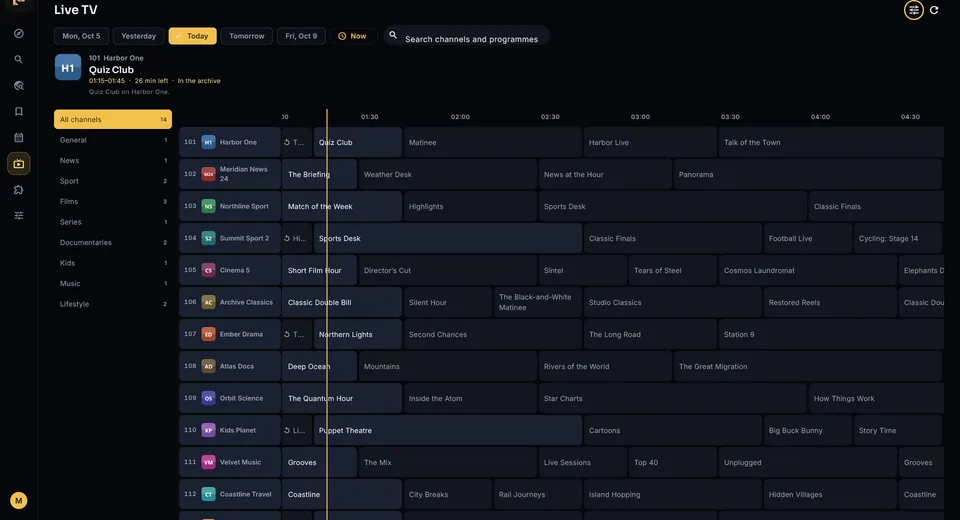
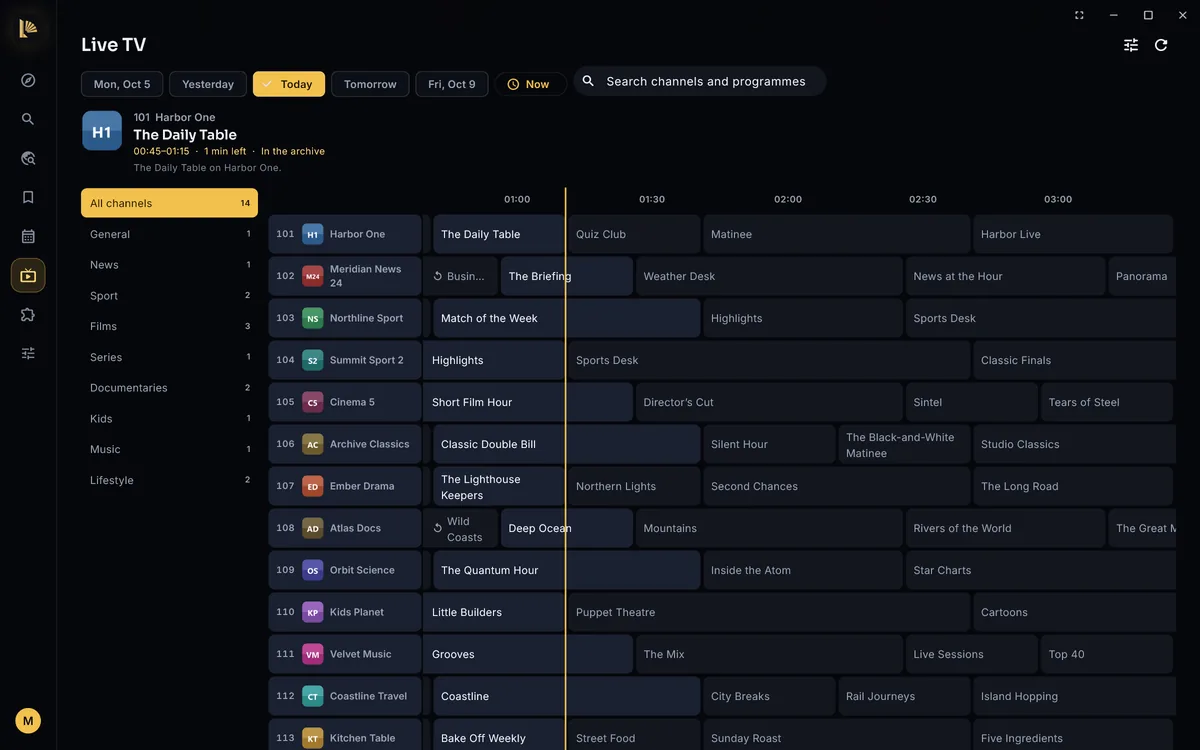
- A provider with 55,000 channels opens in seconds and scrolls smoothly
- Groups sorted by language, your favourites and the channels you watched last
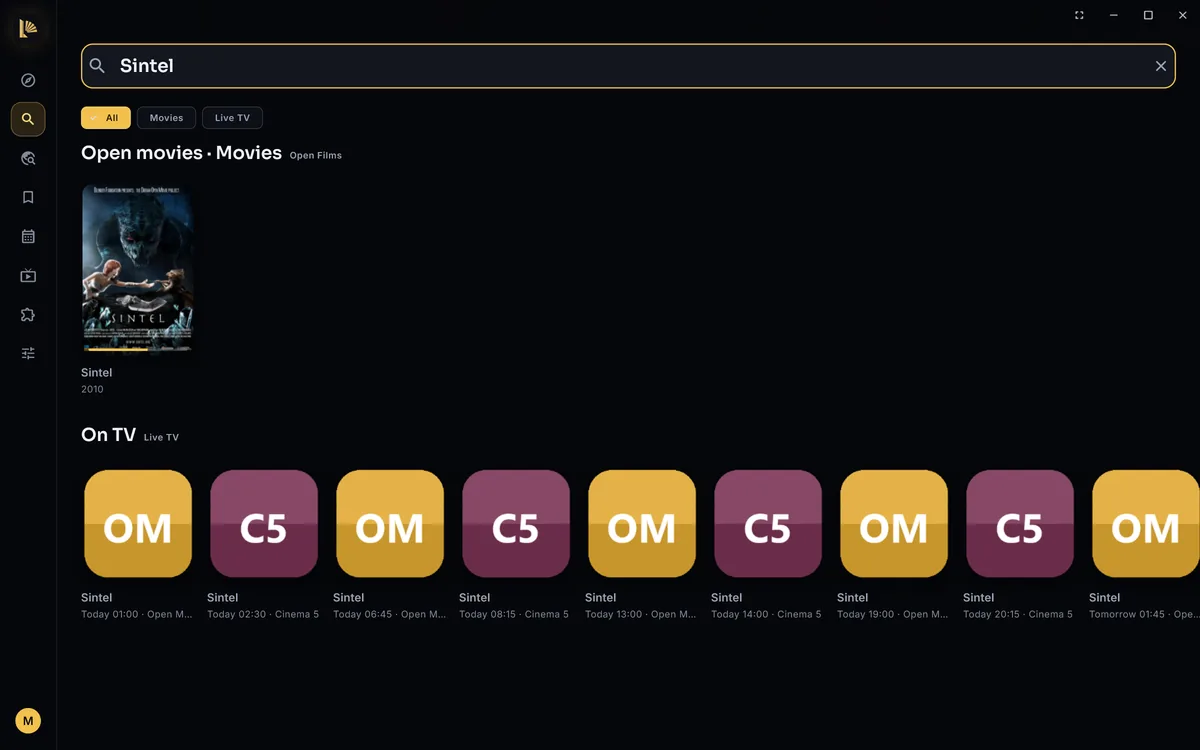
- Search channels and what is on, here and in Lumen’s main search
- Every day the guide covers, the past included, with a line at now
- Type a channel number to tune in
- What is on now, in full, above the grid
- Reminders: Lumen tells you when a programme starts
- Hide the groups you never watch
Zap, pause, rewind, and back to live.
Zap like a TV box
Up and down change channel in the player; channel and number keys work too, and a banner says what is on and next.
Pause and rewind live TV
Lumen keeps a buffer while you watch: pause for the door, rewind a goal, and jump back to live.
A channel that won’t play
Tries its other copies first, before you ever see an error.
Providers drop connections now and then, and many start the next one ten or twelve seconds back. Most players show you those seconds again. Lumen keeps hold of the stream, lets go of what you already saw, and the picture simply carries on.
Missed it? Watch it. Want it? Keep it.
Catch-up
Programmes that already aired play from your provider’s archive, and Watch from the start restarts what is on now.
Record a programme
When your provider keeps an archive, Lumen records from it after the programme ends, so you don’t have to be tuned in while it airs.
Record a series
Every new episode of a series, on one channel or any, keeping the last few if you like.
Your provider’s films and series, beside everything else.
Sign in and the films and series your provider offers come too. Each category is a catalog you can show on Home, hide or reorder, and when your provider has a title you open from anywhere, its copy is one of the sources.
- Big providers repeat everything per language: you start with English and your app’s language, and pick others under Languages
- Lumen asks your provider gently, a few requests at a time, so it isn’t mistaken for abuse
- Your account at a glance: whether it is active, until when, and how many of its streams are in use
Your choices, not our limits.
Adult content is a switch
Off until you turn it on, per profile. Kids profiles never see it, in Live TV or among your provider’s films and series.
Nothing capped
Lumen shows everything your provider delivers: every channel, every day of guide, every category. You hide what you don’t want.
About Live TV
Does Lumen come with channels?
No. Lumen is a player. Live TV plays the subscription, playlist or tuner you add. Use it with sources you have the rights to watch.
Which providers work?
Any provider that offers an Xtream Codes login, an M3U playlist (with or without an XMLTV guide), or a Stalker or Ministra portal. That covers most IPTV services, HDHomeRun and similar tuners, and free channel lists.
Is recording included?
Recording is one of the extras of the Lumen Pass, with 14 days to try it first. Watching, the guide, catch-up, pause and rewind stay free.
Does Lumen have to be running to record?
For a channel with an archive, no: Lumen records from the archive the next time it runs, as long as the provider still keeps the programme. For a channel without one, Lumen records live while the programme airs, so it has to be running then.
Where do recordings go?
Into the Recordings list in the Live TV tab, where they play like anything else. The files are ordinary MPEG-TS that any player opens.
Ready when you are.
Free on every device, no account to make, and installed in a minute.